
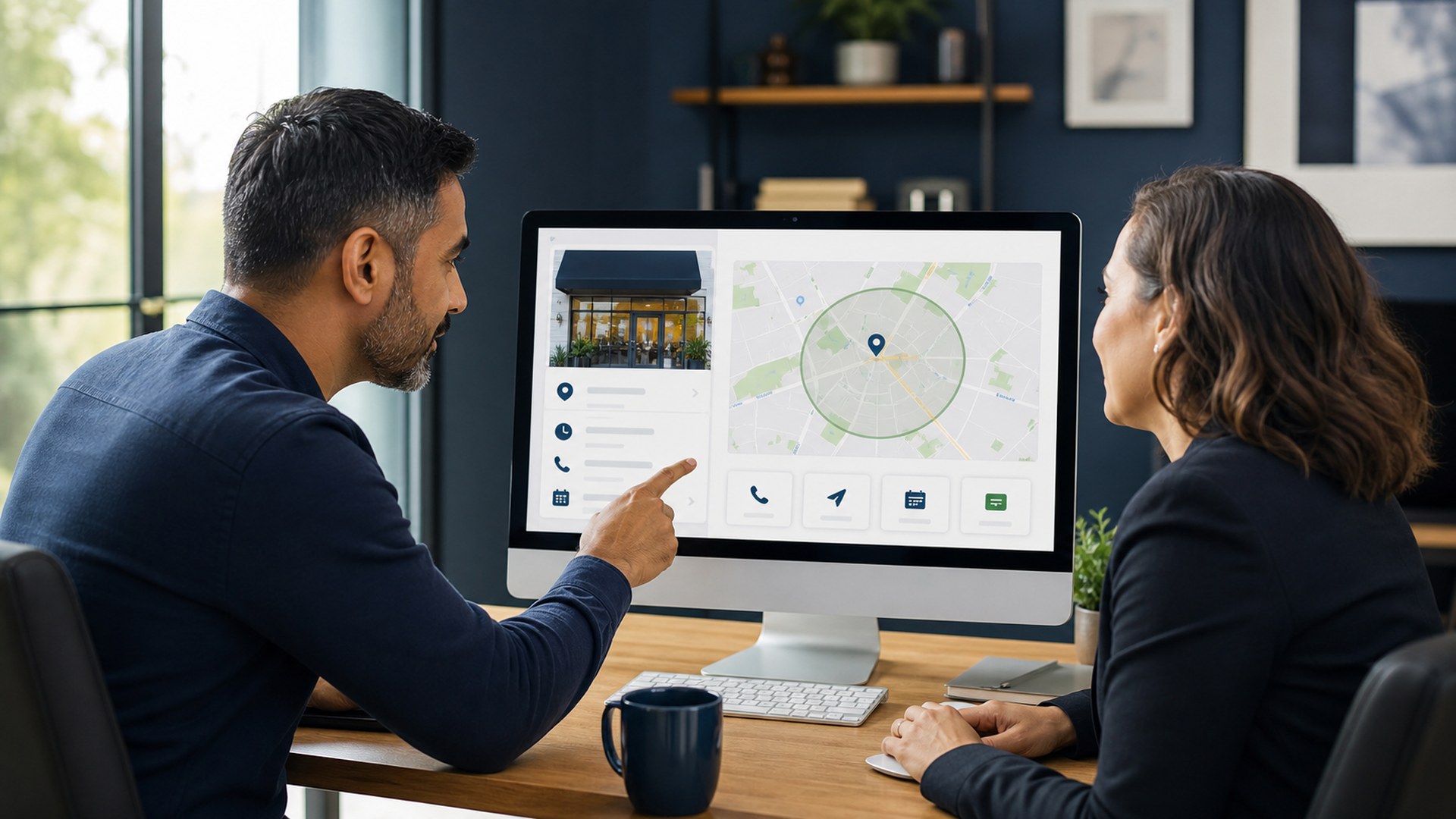
A complete Google Business Profile helps eligible local businesses present accurate information in Google Search and Maps. Optimization is not about adding keywords everywhere. It is about matching verified business facts to customer needs and maintaining the profile consistently.
1. Confirm eligibility and ownership
Use one profile for an eligible business location or service-area business and follow Google’s representation rules. Keep ownership under the business’s control and provide managers only the access they need.
2. Use the real-world business name
Enter the name used on signage, stationery and customer-facing materials. Do not add services, locations or promotional phrases unless they are genuinely part of the business name.
3. Set accurate location or service area
Show an address only when customers are served there during stated hours. Service-area businesses should configure realistic coverage. Accurate proximity and service information helps set proper expectations.
4. Choose the most specific primary category
The primary category should describe the core business, with additional categories used only for material secondary services. Categories influence relevance, so avoid selecting unrelated options merely for reach.
5. Complete contact and business details
Verify phone, website, hours, appointment links, accessibility attributes and holiday hours. Keep these details consistent with the website and other authoritative listings.
6. Describe services clearly
Add real services, useful descriptions and prices where appropriate. Link the profile to the most relevant landing page instead of sending every user to a generic homepage. Our Google Business Profile optimization service can help structure this information.
7. Add original, useful photos
Use accurate photos of the location, team, products or completed work. Choose clear images, add them consistently and remove obsolete visuals when the business changes. Do not use misleading stock imagery as proof of a location or result.
8. Build an ethical review process
Ask real customers for honest feedback without incentives or selective filtering. Respond professionally and protect personal information. Reviews support trust, but they must reflect genuine experiences.
9. Publish helpful updates when relevant
Posts can highlight events, offers or useful updates, but they should not replace complete business information or strong website content. Keep messages current and remove expired calls to action.
10. Measure meaningful outcomes
Track calls, messages, bookings, direction requests and landing-page conversions. Compare trends with lead quality and seasonality. Rankings differ by location; a single screenshot is not a complete performance measure.
How Google evaluates local results
Google explains that local results are mainly based on relevance, distance and prominence. Its official local ranking guidance also recommends complete, accurate information, verification, updated hours, review responses and photos.
Frequently asked questions
Can keywords be added to the business name?
Only when they are part of the real-world business name. Extra terms can violate Google’s guidelines.
How often should a profile be reviewed?
Check key details monthly and whenever hours, services, staff access or locations change.
Does a complete profile guarantee top rankings?
No. Visibility depends on relevance, distance, prominence and competition; guarantees are not credible.
Turn Your Business Profile Into a Clear Customer Path
Power Web Solutions can audit your profile, website landing pages and tracking to identify practical local visibility improvements.